Messages that cannot send
The window had closed.
ManyChat re-engagement for lists that have gone quiet
Starting a flow through the API is limited to 20 requests a second and 100 per subscriber each hour, so a re-engagement run is paced and one person never receives the same flow in a loop. BoldBellows records the subscriber, the segment and the window that applies before a send is planned, paces each flow to ManyChat's limits and never sends the same one twice an hour, then builds segments from tags, custom fields and last interaction, works out for each person whether a standard message, a message tag, a one-time notification or a WhatsApp template is allowed, queues the flow in paced batches, records every send, tags people who reply, and quietly retires anyone who has opted out or never answers after the run. Results are reported by segment.
From $910, paid once. Re-engage in ManyChat.
B2Before and after
A list that has gone quiet is tempting to blast. But the platforms have rules about when a business may message someone: a window that closes after a day, tags that allow only certain content, a template requirement on WhatsApp. A broadcast ignoring them sends to people it cannot reach, and the errors come back as silence. The same flow reaches the same person several times in an hour, which feels like spam. People who opted out are messaged again because the segment was built before they left, and nobody can say which segment actually responded.
Sound familiar?
The window had closed.
Nothing limited repeats.
The segment was stale.
The message was not allowed.
Pacing was missing.
Replies were not tagged.
Before
After
D4How it works
What reaches broadcast has passed a rule, a key check and a search.
Identifiers and time are recorded, the source state is read and the ManyChat event is assessed against the route brief.
Segments are built, each person's window is checked, and the allowed message type is chosen.
The run is paced, every send is recorded, and opt-outs are retired.
E5Inside your queue
Clear is the minimum for live use; Careful and Continuous add the parts that matter once volumes grow.
Clear
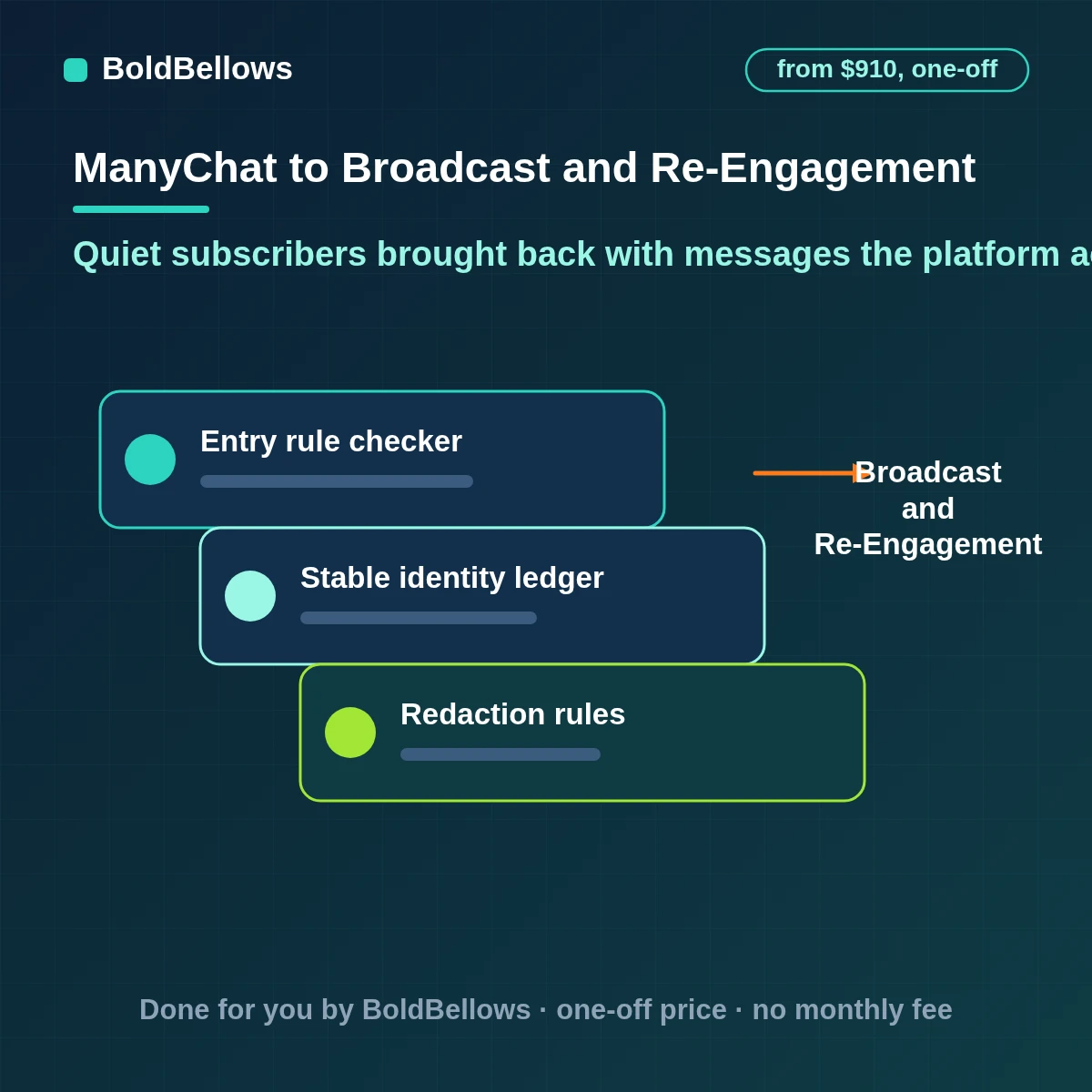
Tests every event against the entry rule and records which clause it passed or failed.
Clear
Turns a ManyChat record into a traceable Broadcast and Re-Engagement entry by storing both identities together.
Clear
Applies redaction rules for sensitive ManyChat values before anything leaves for broadcast.
Careful
Plans batches and timing for each segment.
Careful
Classifies each arrival against the segment, the flow and the send time, leaving ambiguity to a named owner.
Careful
Decides which message type each person's window allows.
Continuous
Turns silent drift between ManyChat and broadcast into a short, dated worklist.
Continuous
Checks every opt-out is excluded from the next run.
Continuous
Gives the route owner a short summary of open cases and their ages.
Manychat broadcast and re engagement automation integration, manychat bring back subscribers or manychat one time notification: this page answers all three. Related searches include manychat broadcast and re engagement automation, manychat broadcast and re-engagement implementation, manychat broadcast and re engagement automation workflow, manychat broadcast and re engagement automation consultant, manychat message tags, manychat broadcast and re-engagement duplicate prevention, manychat SMS broadcast, manychat broadcast and re-engagement consultant, manychat broadcast limits, manychat broadcast and re-engagement error handling, manychat broadcast and re engagement automation service, manychat segment broadcast, manychat broadcast and re engagement automation agency, manychat re engagement, manychat broadcast and re engagement automation setup, manychat bulk messages, whatsapp broadcast manychat, manychat broadcast and re-engagement historical migration, instagram dm broadcast, manychat broadcast, messenger broadcast automation and manychat broadcast and re engagement automation API.
G7Who it is for
Marketers want quiet subscribers back, and platforms want businesses to message only the people and the way they have agreed to.
"Bring them back."
Segments are messaged in a way the platform allows.
"Don't spam."
Repeats are capped.
"Honor opt-outs."
They are retired for good.
"What worked?"
Replies are tagged by segment.
"No failed runs."
Sends are paced.
"Reach the list."
Reachable people are messaged.
Priced by segments, flows and sends
Price the ManyChat to Broadcast and Re-Engagement route in your own time. The configurator handles the sums and starts at $910.
One setup fee
I9Your options
Each can send a broadcast. Only one checks each person's window, paces the run and reports by segment.
| What opens the run | a broadcast to everyone, whatever their window | A free-form broadcast zap | BoldBellows, centred on a window-aware re-engagement run |
|---|---|---|---|
| What starts the work | Somebody with a spare minute | Events without a qualification step | A ManyChat event matching the route brief |
| How identity is decided | Hunted through both tools | Email alone | Segment, flow, each subscriber's window and opt-in |
| What reaches broadcast | Whatever seemed important | One row of raw values | A paced run of permitted messages, with replies tagged and opt-outs retired |
| After an uncertain result | Left for the next person | Reports an error, nothing more | Searches, compares, repairs or hands to a named owner |
A notice that arrives after the record has moved on is logged and closed; the broadcast in broadcast stays correct.
Those people are skipped and listed with the reason, the reachable half is messaged, and the report shows both numbers. The verdict comes from the segment, the flow and the send time: absent, matching, differing or ambiguous, all recorded. The result is recorded either way, so the decision can be audited.
The segment, the flow and the send time goes in first, then the mapping, then the branches.
Pick a package, answer three short questions about how ManyChat data should reach Broadcast and Re-Engagement, and your price and turnaround move as you choose.
J11The process
No surprises: six steps, with the output of each one agreed in advance.
We review your tags, last-interaction dates and consent records to see who can be reached and how.
We connect to the ManyChat data in scope and to Broadcast and Re-Engagement, and agree the identifiers the route will store.
The message for each window type, the pacing and the stop rules are written out and approved first.
Every path, including the failing ones, is run against a copy of broadcast before production is switched on.
Handover closes the project: a live route, a checkpoint to prove it, and documentation to run it.
With ManyChat Broadcast and Re-Engagement in place, we compare live behaviour with the brief and update the handover wherever reality differed.
K12Turnaround
With ManyChat Broadcast and Re-Engagement in place, the schedule assumes credentials arrive in the first day or two.
6 to 10 business days
10 to 16 business days
16 to 24 business days
L13Getting started
M14Safety and ownership
With ManyChat Broadcast and Re-Engagement in place, no product code is patched and no bulk export is made.
Every action taken in ManyChat and broadcast is one their own documentation supports; nothing relies on an unofficial shortcut.
Connections are restricted to the objects on the approved list.
Keeping the payload small reduces risk and makes each write to broadcast faster to check and easier to repair.
A retry reconciles what broadcast already holds against what was intended, then writes only the difference.
Only technical identifiers reach the run history.
The finished route and its explanation are delivered together.
N15In their words
Verified reviews from business owners who use BoldBellows automations every day, from marketing and sales to support and operations.
AI Customer Journey Automation
We wanted a smoother path from first contact to purchase. BoldBellows built an AI system that guides each customer there automatically.
It sends personalized messages, recommends products and follows up at just the right moment. Customer retention has improved dramatically.
AI Customer Journey Automation
We wanted a smoother path from first contact to purchase. BoldBellows built an AI system that guides each customer there automatically.
It sends personalized messages, recommends products and follows up at just the right moment. Customer retention has improved dramatically.
AI Video & Voice Automation
We publish product videos every week, and BoldBellows introduced us to AI video automation. The system writes the script, voices it and produces the finished video in minutes.
The quality is remarkable: professional voiceovers, clean visuals and smooth editing. Production time went from three days to under 30 minutes, and we scaled our video marketing without adding cost.
AI Email & Smart Inbox Management
Our inbox used to be chaos. BoldBellows built an AI email system that sorts messages, drafts replies and flags anything urgent.
It learns how we write and gets better every week. We reply faster and no longer miss important messages. It feels like having a personal assistant working around the clock.
AI Workflow Automation for Agencies
Running a digital agency with many clients was overwhelming. BoldBellows built one automation dashboard that tracks tasks, sends updates and creates client reports automatically.
Clients love the transparency and we love the time we get back. Productivity is up, and project delays have dropped to almost zero.
AI Booking & Scheduling Automation
Our coaching business needed a better way to schedule. BoldBellows automated all of it: bookings, reminders, cancellations and follow-ups.
No-shows fell by 60% and clients enjoy how smooth it is. It feels personal, not robotic. One of the best upgrades we’ve made.
AI Translation & Localisation
When we expanded abroad we needed fast, accurate translations. BoldBellows built an AI translation system that turns our content into several languages instantly.
The translations read naturally and suit each culture. We now serve customers in five new countries without hiring translators. BoldBellows helped us go global.
AI HR & Recruitment Automation
Our HR team was drowning in applications. BoldBellows automated screening, skills-based filtering and interview scheduling.
It saves us hours every week and means we only interview qualified people. Hiring is now faster, better organized and more professional.
AI Accounting & Invoice Automation
BoldBellows automated our whole invoicing process: creating invoices, sending reminders and tracking payments.
Late payments dropped sharply, and our accounting team finally has time for strategy instead of repetitive admin. Worth every penny.
AI Chatbot & Customer Support
BoldBellows built an AI support chatbot for our online boutique, and it has changed how we run the business. We used to have two full-time staff answering the same questions all day. Now the AI handles order tracking, product recommendations and even refund requests on its own.
What surprised me most is how natural it sounds. Customers compliment the ‘agent’ without realizing it’s AI. Our support workload dropped by 75% and customer satisfaction went up dramatically.
AI Content & Social Media Automation
Our marketing agency couldn’t keep up with content. BoldBellows set up an AI content engine that writes blog posts and captions and even designs our social media creatives.
It spots trends and suggests topics for us, so we stay ahead of competitors. We now produce three times the content with the same team, and engagement has soared. They didn’t just automate our workflow, they lifted our whole brand.
AI Lead Qualification & Sales Automation
Our sales team wasted hours chasing cold leads. BoldBellows built an AI lead-scoring system that reads behavior, email engagement and buying signals.
It filters out weak leads and sends personalized follow-ups automatically, so our team only talks to people who are ready to buy. Conversions rose 40% in the first month. It paid for itself straight away.
AI Data Entry & Reporting Automation
We used to spend hours collecting data and building weekly reports by hand. BoldBellows automated all of it.
The reports are clean, visual and easy to read, and our managers rely on them for quick decisions. Human error is gone and our numbers are more accurate across the board.
AI E-commerce Listings Automation
BoldBellows automated our product listings. The AI writes descriptions, organizes photos and publishes listings across several marketplaces.
It even answers customer questions instantly. Our store looks more professional and sales have noticeably increased.
AI Document & Contract Automation
Onboarding was slow because we wrote every contract by hand. BoldBellows automated the lot: contracts, welcome emails and client setup.
What took 48 hours now takes under 10 minutes, and clients regularly tell us how professional it feels.
AI Social Comment & DM Automation
We get thousands of comments and messages every week. BoldBellows built an AI system that replies instantly, filters spam and surfaces the important ones.
Engagement is up and our page looks active around the clock. It’s like having a full social media team that never stops.
AI CRM Automation
Our CRM was barely used because updating it by hand was tedious. BoldBellows automated data entry, tagging, segmentation and follow-ups.
Now the CRM is always up to date and our campaigns are far more accurate. It improved our whole sales pipeline.
AI Voice Assistant
BoldBellows built a custom AI voice assistant for our customer hotline. It answers questions, books appointments and handles simple requests.
Customers love how fast it is, and our call-centre workload dropped dramatically. One of the smartest upgrades we’ve made.
AI Automation Partner
BoldBellows is hands-down the best AI automation partner we’ve worked with. Their systems are fast, reliable and built around how our business actually works.
Every automation they’ve delivered, from customer service to content, runs flawlessly. We’ve saved time, cut costs and grown faster than we expected.
P16FAQ
The essentials in question-and-answer form, with room for your own in the quote request.
A zap delivers quiet subscribers brought back with messages the platform allows. It leaves you to send only what each person's window permits, pace the run or avoid repeating a flow. It is that layer the packages price.
Only those whose window or template allows it. The rest are skipped.
In batches under ManyChat's per-second and per-person limits.
They are retired and excluded from every later run.
Standard messages, message tags, one-time notifications or WhatsApp templates, as allowed.
Yes, with replies, tags and opt-outs for each.
Messenger, Instagram and WhatsApp, each within its own rules.
A signed-off ManyChat Broadcast and Re-Engagement field mapping service output is required before we write to Broadcast and Re-Engagement.
Yes. Your rules decide what moves, so the route becomes a custom ManyChat workflow for Broadcast and Re-Engagement. A ManyChat Broadcast and Re-Engagement integration consultant's advice comes with it, from $910.
Dependencies are listed at handover. A breaking change pauses just the part it touches and alerts your owner, and post-review fixes are quoted separately. If you searched for custom manychat broadcast and re engagement automation, this is the service that delivers it.
Q17Re-engage your list without breaking the rules
Tell us how Broadcast and Re-Engagement should look when things work, and we will automate ManyChat data to Broadcast and Re-Engagement to produce exactly that. From $910.
For enterprise-scale or multi-region needs, request a tailored quote.