Line items lost in a cell
Several products were squeezed into one text field and could not be summed.
BoldBellowsPaperform to Airtable automation for a relational intake base
A single Paperform response may hold a person, a request, several products and an exception. BoldBellows registers the submission's slug, ID and cycle, waits for conditional logic, scores and payments to reach a final state, then resolves the parent records in Airtable first and writes the transaction row second, so the base keeps its relationships and a resend never doubles a line item.
One-off setup from $500
No monthly subscription
Chapter 01 the overloaded row problem
Paperform responses carry more structure than a flat row can: who answered, what they asked for, which products and quantities, and what went wrong. Write that into one table and the base cannot roll up by customer, cannot price a line, and cannot flag the responses that failed a check.
Six products in one cell, and nobody could total the Airtable order.
Several products were squeezed into one text field and could not be summed.
A typed name created a second respondent record on the next submission.
The sync linked the first match and the request ended up under the wrong customer.
Before
After
Chapter 02 How it works
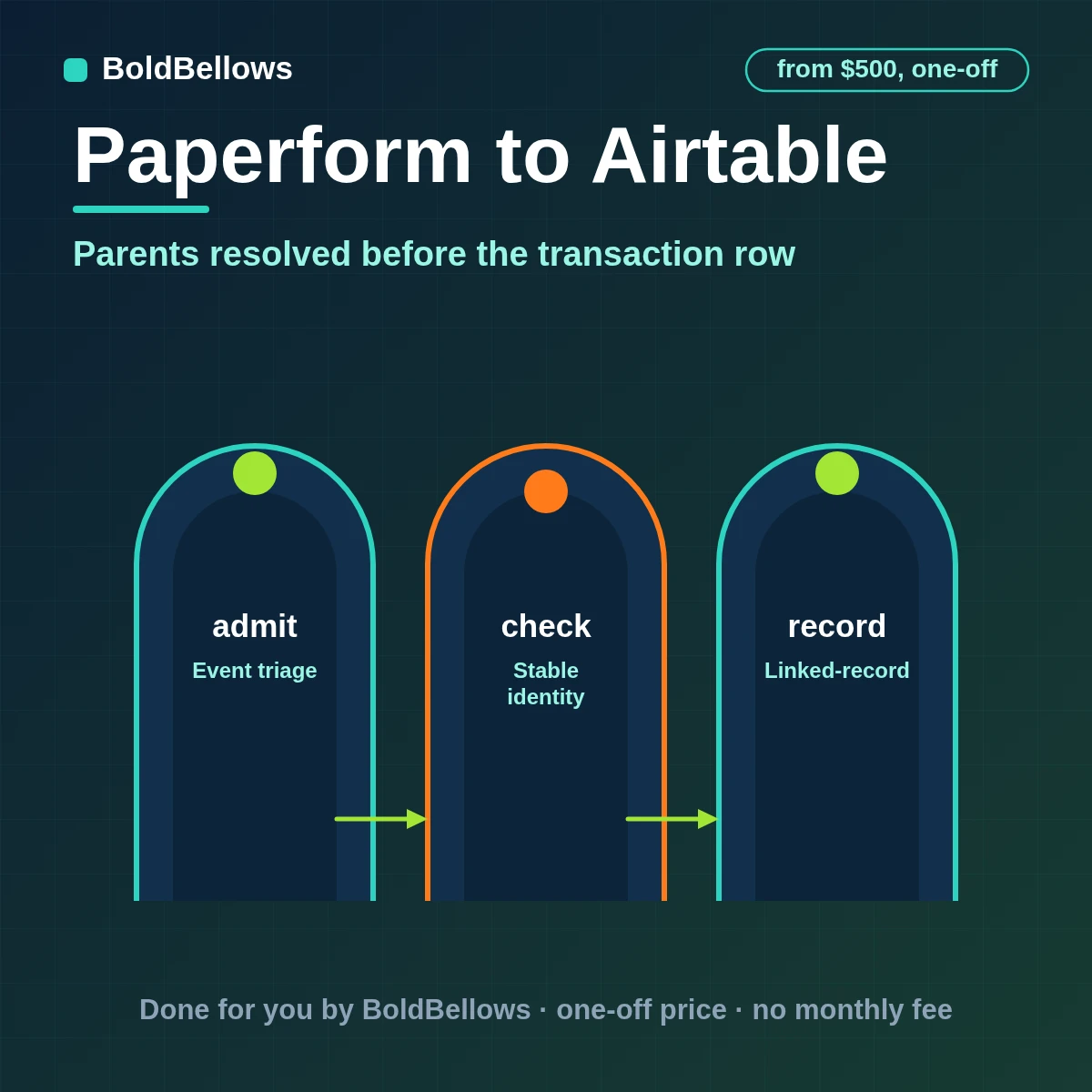
A Paperform event becomes a record in three stages, each with its own evidence.
Before anything is prepared for Airtable, the Paperform form submission is checked against the agreed admission rule.
The response ID and linked parent IDs are searched; one match is linked, none creates the parent first, and several are held for review.
The request and its line items are written and linked within Airtable's request limit, and their IDs are stored against the submission key.
Chapter 03 What ships in the build
The route grows in three steps: Basic, then Branch, then Guardian.
Looks at each Paperform form submission and chooses between act, wait and discard, with notes.
Stores the identity of every Paperform record alongside what Airtable returned for it.
Finds or creates the respondent, then writes the request, line items and exceptions in Airtable's field types.
Finds the existing record through the source response ID plus linked parent record IDs, or proves there is none.
Sends each answer, product and payment state to the right table by your rules.
Tracks mismatches between Paperform and Airtable until someone closes them.
Notices a renamed field or a deleted table before writes begin to fail, for this Paperform to Airtable route.
Sync paperform submissions to airtable and paperform to airtable zapier are built together, and paperform airtable CRM follows. Scope paperform airtable record create, add paperform to airtable and keep paperform airtable API integration in view. Plan for paperform airtable database sync and paperform form data data airtable, with connect paperform to airtable agreed at the start. Choose how paperform airtable integration, paperform airtable automation and paperform airtable workflow should behave.
Chapter 04 Who this fits
If reporting needs the basket, the buyer and the problem, the records must arrive related.
"I need to count orders by customer."
Each line item links to its request and its respondent.
"Do not scramble my views."
Field types and links are agreed in writing first, and drift is watched, on the Paperform to Airtable route.
"Let me change the form without breaking the base."
Fields are mapped by ID, so a reworded question does not break the link.
"Flag the odd ones."
Ambiguous parents are queued, not guessed.
Chapter 05 The options
Each can add a row. Only one keeps what the row was about.
| Question | Downloading results | A quick zap into Airtable | BoldBellows route: linked-intake base |
|---|---|---|---|
| What starts the work | An admin on a busy day | Anything the trigger matches | Only changes on your in-scope list |
| How identity is decided | Checked against old notes | A lookup that may return several | The response ID plus linked parent record IDs |
| What reaches Airtable | A handwritten note turned digital | The default field set | Linked records across respondent, request, line items and exceptions |
| After an uncertain result | An email thread to sort it out | Fails quietly | Uses the source response ID plus linked parent record IDs to settle what already exists |
A late Paperform notice is compared with the stored checkpoint; anything older than the current record is closed with a note.
The child is not written; the candidates are listed for a person to choose. It searches Airtable on the source response ID plus linked parent record IDs, weighs what it finds against the plan and logs the verdict. Only when nothing is found does the route make a new Paperform record.
The source response ID plus linked parent record IDs links each Paperform record to its Airtable record for the life of the route.
Interlude The quote reflects linked tables and line items
A live calculator sits just below. It starts at $500.
One setup fee · Range shown first
Pick a package, answer three short questions about how Paperform data should reach Airtable, and your price and turnaround move as you choose.
Chapter 06 The process
For Paperform to Airtable, we keep your involvement light: answer a short brief, grant scoped access, review the result and sign off.
About 30 minutes
We sketch how Paperform's respondent, request, product and exception data should be split and linked in Airtable.
Access review
A short review of Paperform and Airtable settles what can be read, what can be written and what is off limits.
Most of the project
Field types, the response ID, the parent links and the branches are written down and signed off.
Before you review
Unusual, incomplete and repeated records are run through a test Airtable so the route's answers are known, on the Paperform to Airtable route.
Handover day
We launch at a checkpoint, watch the first runs with you, and deliver the written handover.
Chapter 07 Turnaround
With Paperform to Airtable in place, these ranges assume access is granted promptly.
4 to 6 business days
6 to 10 business days
10 to 14 business days
Chapter 08 Getting started
Chapter 09 Trust
Access is limited to the objects on your approved list, and every credential can be withdrawn at any time, in the Paperform to Airtable route.
Paperform keeps doing what it does and Airtable keeps doing what it does; the connection between them is the only new thing.
The integration user or token carries only the rights the route requires.
New fields in Paperform do not flow into Airtable until someone adds them to the map on purpose.
The same event processed twice gives the same result in Airtable, because the source response ID plus linked parent record IDs decides create or update.
Log lines name the record and the result; they do not reproduce the record.
You are not tied to us: the configuration sits in your accounts.
"A base is only useful if the relationships survive, so parents are found before the transaction row is written."
Steven GrratFounder, BoldBellows
Chapter 10 In their words
Verified reviews from business owners who use BoldBellows automations every day, from marketing and data to support and operations.
AI Data Entry & Reporting Automation
We used to spend hours collecting data and building weekly reports by hand. BoldBellows automated all of it.
The reports are clean, visual and easy to read, and our managers rely on them for quick decisions. Human error is gone and our numbers are more accurate across the board.
AI Workflow Automation for Agencies
Running a digital agency with many clients was overwhelming. BoldBellows built one automation dashboard that tracks tasks, sends updates and creates client reports automatically.
Clients love the transparency and we love the time we get back. Productivity is up, and project delays have dropped to almost zero.
AI HR & Recruitment Automation
Our HR team was drowning in applications. BoldBellows automated screening, skills-based filtering and interview scheduling.
It saves us hours every week and means we only interview qualified people. Hiring is now faster, better organized and more professional.
AI Accounting & Invoice Automation
BoldBellows automated our whole invoicing process: creating invoices, sending reminders and tracking payments.
Late payments dropped sharply, and our accounting team finally has time for strategy instead of repetitive admin. Worth every penny.
AI E-commerce Listings Automation
BoldBellows automated our product listings. The AI writes descriptions, organizes photos and publishes listings across several marketplaces.
It even answers customer questions instantly. Our store looks more professional and sales have noticeably increased.
AI Customer Journey Automation
We wanted a smoother path from first contact to purchase. BoldBellows built an AI system that guides each customer there automatically.
It sends personalized messages, recommends products and follows up at just the right moment. Customer retention has improved dramatically.
AI Document & Contract Automation
Onboarding was slow because we wrote every contract by hand. BoldBellows automated the lot: contracts, welcome emails and client setup.
What took 48 hours now takes under 10 minutes, and clients regularly tell us how professional it feels.
AI Social Comment & DM Automation
We get thousands of comments and messages every week. BoldBellows built an AI system that replies instantly, filters spam and surfaces the important ones.
Engagement is up and our page looks active around the clock. It’s like having a full social media team that never stops.
AI CRM Automation
Our CRM was barely used because updating it by hand was tedious. BoldBellows automated data entry, tagging, segmentation and follow-ups.
Now the CRM is always up to date and our campaigns are far more accurate. It improved our whole sales pipeline.
AI Chatbot & Customer Support
BoldBellows built an AI support chatbot for our online boutique, and it has changed how we run the business. We used to have two full-time staff answering the same questions all day. Now the AI handles order tracking, product recommendations and even refund requests on its own.
What surprised me most is how natural it sounds. Customers compliment the ‘agent’ without realizing it’s AI. Our support workload dropped by 75% and customer satisfaction went up dramatically.
AI Content & Social Media Automation
Our marketing agency couldn’t keep up with content. BoldBellows set up an AI content engine that writes blog posts and captions and even designs our social media creatives.
It spots trends and suggests topics for us, so we stay ahead of competitors. We now produce three times the content with the same team, and engagement has soared. They didn’t just automate our workflow, they lifted our whole brand.
AI Lead Qualification & Sales Automation
Our sales team wasted hours chasing cold leads. BoldBellows built an AI lead-scoring system that reads behavior, email engagement and buying signals.
It filters out weak leads and sends personalized follow-ups automatically, so our team only talks to people who are ready to buy. Conversions rose 40% in the first month. It paid for itself straight away.
AI Video & Voice Automation
We publish product videos every week, and BoldBellows introduced us to AI video automation. The system writes the script, voices it and produces the finished video in minutes.
The quality is remarkable: professional voiceovers, clean visuals and smooth editing. Production time went from three days to under 30 minutes, and we scaled our video marketing without adding cost.
AI Email & Smart Inbox Management
Our inbox used to be chaos. BoldBellows built an AI email system that sorts messages, drafts replies and flags anything urgent.
It learns how we write and gets better every week. We reply faster and no longer miss important messages. It feels like having a personal assistant working around the clock.
AI Booking & Scheduling Automation
Our coaching business needed a better way to schedule. BoldBellows automated all of it: bookings, reminders, cancellations and follow-ups.
No-shows fell by 60% and clients enjoy how smooth it is. It feels personal, not robotic. One of the best upgrades we’ve made.
AI Translation & Localisation
When we expanded abroad we needed fast, accurate translations. BoldBellows built an AI translation system that turns our content into several languages instantly.
The translations read naturally and suit each culture. We now serve customers in five new countries without hiring translators. BoldBellows helped us go global.
AI Voice Assistant
BoldBellows built a custom AI voice assistant for our customer hotline. It answers questions, books appointments and handles simple requests.
Customers love how fast it is, and our call-centre workload dropped dramatically. One of the smartest upgrades we’ve made.
AI Automation Partner
BoldBellows is hands-down the best AI automation partner we’ve worked with. Their systems are fast, reliable and built around how our business actually works.
Every automation they’ve delivered, from customer service to content, runs flawlessly. We’ve saved time, cut costs and grown faster than we expected.
Chapter 11 Questions
Before you commit, here is what buyers most often want confirmed.
Each response dropped into one table is something a zap does well. It does not resolve the parent first, hold a lookup that finds none or several or stay within the base's request limit. If those matter to you, the build is the right fit; if not, we will say a zap is enough.
Yes. A single submission can create a respondent, a request, its line items and an exception record, all linked by ID.
The parent is found by key first and reused; a missing one is created, and an unclear match is held for a person.
It comes with the fee. Our Paperform Airtable field mapping service produces a short document that pairs each Paperform field with its Airtable destination.
Absolutely. We shape a custom Paperform workflow for Airtable around your rules, acting as your Paperform Airtable integration consultant. It begins at $500.
We document each dependency. When a platform alters something, only the records touching it pause, and you are told which. Fixes beyond the review period are priced on their own.
Give us the rule that decides what moves and we will build, test and document the way you automate Paperform data to Airtable. Packages start at $500.