A renamed label was refused
The sync kept sending the old status name and the field stayed empty.
BoldBellowsPaperform to monday.com automation that validates the board first
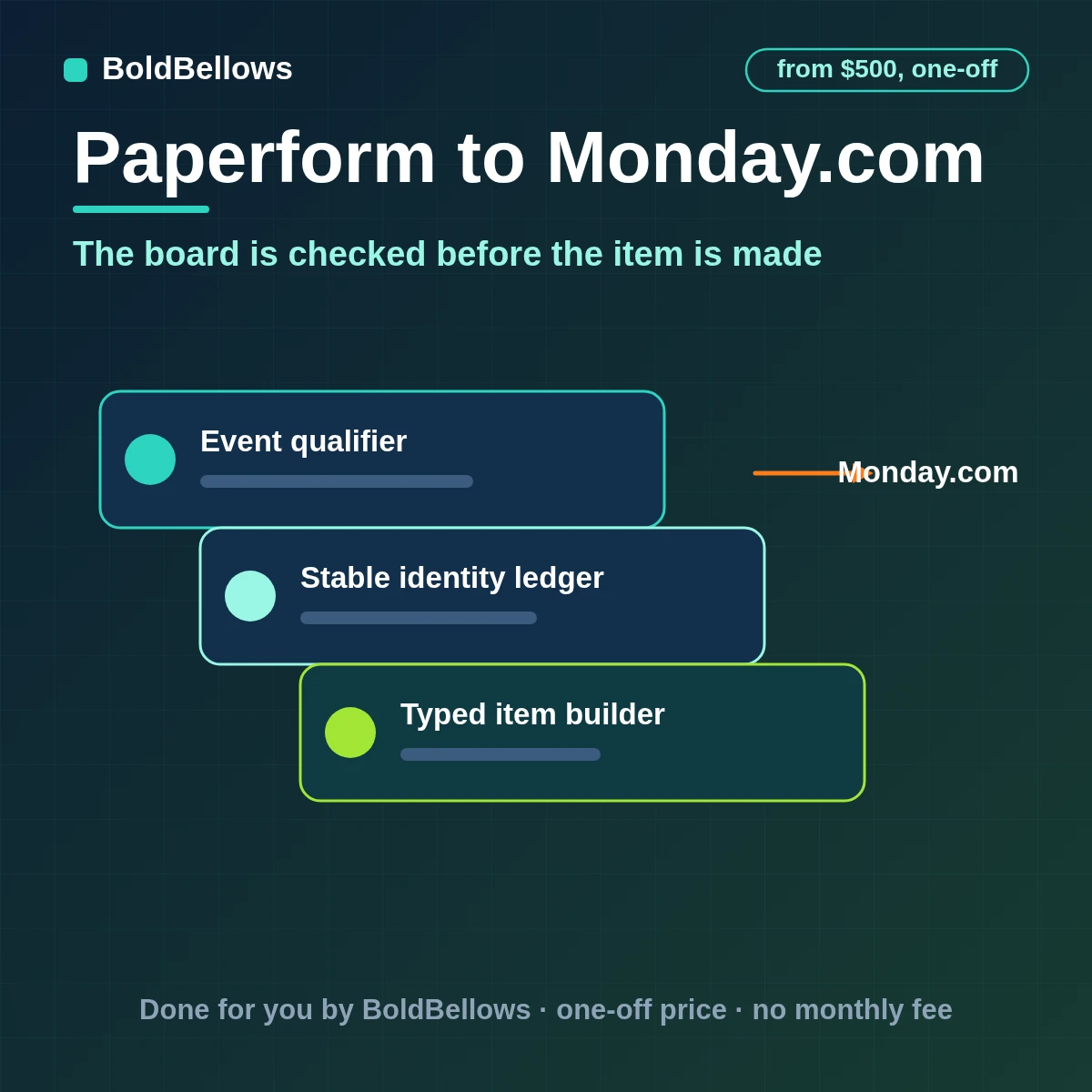
A monday.com board accepts a value only if it fits that column's type, and a label that no longer exists is simply refused. BoldBellows notes which form, which submission and which resend this is, waits for the form's own logic, scoring and payments to settle, checks the board's groups, labels and people columns, then creates or updates one item through a dedicated text column holding the response ID.
One-off setup from $500
No monthly subscription
Chapter 01 the refused value problem
Boards evolve: a status label is renamed, a group is archived, a person leaves. The form keeps sending the old values, monday.com refuses them, and items appear half-filled or not at all. Resending a past submission then adds the item once more.
The item appeared, but its status column stayed empty.
The sync kept sending the old status name and the field stayed empty.
The results-page resend made a new item, since no key had been stored on the first.
The owner named in the form no longer existed in the people column.
Before
After
Chapter 02 How it works
Nothing is written until the change is judged and the item has been looked for.
Each Paperform event is verified and logged; anything outside the agreed scope is set aside with a reason.
The response ID is stored, the key column is searched, and the target group, labels and people are checked against what the board currently accepts.
The Paperform item is created or updated with typed values, its ID is stored, and a refused value is queued with its reason.
Chapter 03 What ships in the build
Launch is the front door. Route is the workshop. Govern is the inspection that keeps the route honest.
Reads the Paperform record and confirms it satisfies the trigger before monday.com is touched.
Remembers which Monday.com item came from which Paperform record, and when it last changed.
Prepares status, people, date and text values in each column's own type, in the Paperform to Monday.com route.
Separates new, changed and already handled records through the source response ID in a dedicated text column.
Places each item in its group with an owner chosen by answers, product or urgency.
Runs a regular comparison between both sides and keeps the mismatches in view, in the Paperform to Monday.com route.
Catches a renamed status label, a deleted column or an archived group before the next write bounces.
The brief can include paperform to monday zapier, paperform to monday.com and paperform monday board sync. Cover paperform monday tracking; paperform monday.com notification and paperform monday item create come with it. Plan for connect paperform to monday.com and paperform monday automation, with paperform monday.com integration agreed at the start. Expect paperform monday.com API integration, paperform monday workflow and paperform submissions to monday board to be worked out with your project lead.
Chapter 04 Who this fits
If a form turns into board work, it should arrive complete and assigned.
"I want each request on the board, assigned."
New items arrive in the right group, owned and dated.
"Trace a response for me."
Its item carries the response ID.
"Do not break my columns."
With Paperform to Monday.com in place, only mapped columns are written, and drift is watched.
"Tell me when something was refused."
Rejected labels and people values are queued with a reason, on the Paperform to Monday.com route.
Chapter 05 The options
Anyone can make an item. Making one the board accepts, once, is the skill.
| Question | Importing to the board | A template zap for monday.com | BoldBellows build: typed-column translator |
|---|---|---|---|
| What starts the work | A team member checks Paperform | Any event the zap listens to | A form submission that matches your trigger definition |
| How identity is decided | Searched by name or address | Whatever field is mapped first | The response ID in a dedicated text column |
| What reaches monday.com | The parts someone thought of | Fields forwarded unchecked | An item with typed values, group, owner, status and timeline |
| After an uncertain result | It waits until somebody notices | Stops with an error email | Reads monday.com by the source response ID in a dedicated text column before any rewrite |
A delayed Paperform event is compared with what monday.com already holds and is set aside if it would undo something newer.
The rest of the Monday.com item is written and only the refused value waits for a person. The source response ID in a dedicated text column turns the question into a lookup, and the answer is one of four: nothing, right, wrong or unclear. Everything else is an update, a no-op or a case for a person.
Before fields or branches are discussed, the source response ID in a dedicated text column is fixed, because every later decision reads from it.
Interlude Cost is shaped by boards and typed columns
The Launch package begins at $500 and nothing is billed afterwards.
One setup fee · Range shown first
Pick a package, answer three short questions about how Paperform data should reach Monday.com, and your price and turnaround move as you choose.
Chapter 06 The process
Brief, approve, build, test, launch: five steps, with named outputs at each one, in the Paperform to Monday.com route.
About 30 minutes
We list which Paperform submissions become monday.com items, the board and group for each and who owns them.
Access review
We link Paperform and Monday.com through supported interfaces and record exactly what each connection can do.
Most of the project
Status labels, people, dates and the key column are settled in writing, along with the branches.
Before you review
Every failure we can think of is tried against a test monday.com, and the ones that matter become written repair steps.
Handover day
Launch is a checkpoint, not a cliff: the route starts from a known point and the notes arrive with it.
Chapter 07 Turnaround
Timing begins when both connections are approved, in the Paperform to Monday.com route.
4 to 6 business days
6 to 10 business days
10 to 14 business days
Chapter 08 Getting started
Chapter 09 Trust
Scope is deliberately narrow: approved Paperform fields in, one Monday.com destination out, no side stores.
We work with the supported connection points of Paperform and monday.com and leave the products exactly as you run them today.
Tokens cover only the named objects and can be revoked whenever you choose.
Each field sent to monday.com has a stated purpose. Sensitive values are excluded or masked before anything is written.
An unclear write is settled by finding the item and comparing it with the intended values, not by sending again.
We record what happened and when, never the private details of your records.
Everything we built is documented and belongs to your team.
"A board refuses values it no longer recognises, so the build validates labels, people and groups before it writes."
Steven GrratFounder, BoldBellows
Chapter 10 In their words
Verified reviews from business owners who use BoldBellows automations every day, from marketing and data to support and operations.
AI Data Entry & Reporting Automation
We used to spend hours collecting data and building weekly reports by hand. BoldBellows automated all of it.
The reports are clean, visual and easy to read, and our managers rely on them for quick decisions. Human error is gone and our numbers are more accurate across the board.
AI Workflow Automation for Agencies
Running a digital agency with many clients was overwhelming. BoldBellows built one automation dashboard that tracks tasks, sends updates and creates client reports automatically.
Clients love the transparency and we love the time we get back. Productivity is up, and project delays have dropped to almost zero.
AI E-commerce Listings Automation
BoldBellows automated our product listings. The AI writes descriptions, organizes photos and publishes listings across several marketplaces.
It even answers customer questions instantly. Our store looks more professional and sales have noticeably increased.
AI Customer Journey Automation
We wanted a smoother path from first contact to purchase. BoldBellows built an AI system that guides each customer there automatically.
It sends personalized messages, recommends products and follows up at just the right moment. Customer retention has improved dramatically.
AI Document & Contract Automation
Onboarding was slow because we wrote every contract by hand. BoldBellows automated the lot: contracts, welcome emails and client setup.
What took 48 hours now takes under 10 minutes, and clients regularly tell us how professional it feels.
AI Social Comment & DM Automation
We get thousands of comments and messages every week. BoldBellows built an AI system that replies instantly, filters spam and surfaces the important ones.
Engagement is up and our page looks active around the clock. It’s like having a full social media team that never stops.
AI CRM Automation
Our CRM was barely used because updating it by hand was tedious. BoldBellows automated data entry, tagging, segmentation and follow-ups.
Now the CRM is always up to date and our campaigns are far more accurate. It improved our whole sales pipeline.
AI Voice Assistant
BoldBellows built a custom AI voice assistant for our customer hotline. It answers questions, books appointments and handles simple requests.
Customers love how fast it is, and our call-centre workload dropped dramatically. One of the smartest upgrades we’ve made.
AI Automation Partner
BoldBellows is hands-down the best AI automation partner we’ve worked with. Their systems are fast, reliable and built around how our business actually works.
Every automation they’ve delivered, from customer service to content, runs flawlessly. We’ve saved time, cut costs and grown faster than we expected.
AI Chatbot & Customer Support
BoldBellows built an AI support chatbot for our online boutique, and it has changed how we run the business. We used to have two full-time staff answering the same questions all day. Now the AI handles order tracking, product recommendations and even refund requests on its own.
What surprised me most is how natural it sounds. Customers compliment the ‘agent’ without realizing it’s AI. Our support workload dropped by 75% and customer satisfaction went up dramatically.
AI Content & Social Media Automation
Our marketing agency couldn’t keep up with content. BoldBellows set up an AI content engine that writes blog posts and captions and even designs our social media creatives.
It spots trends and suggests topics for us, so we stay ahead of competitors. We now produce three times the content with the same team, and engagement has soared. They didn’t just automate our workflow, they lifted our whole brand.
AI Lead Qualification & Sales Automation
Our sales team wasted hours chasing cold leads. BoldBellows built an AI lead-scoring system that reads behavior, email engagement and buying signals.
It filters out weak leads and sends personalized follow-ups automatically, so our team only talks to people who are ready to buy. Conversions rose 40% in the first month. It paid for itself straight away.
AI Video & Voice Automation
We publish product videos every week, and BoldBellows introduced us to AI video automation. The system writes the script, voices it and produces the finished video in minutes.
The quality is remarkable: professional voiceovers, clean visuals and smooth editing. Production time went from three days to under 30 minutes, and we scaled our video marketing without adding cost.
AI Email & Smart Inbox Management
Our inbox used to be chaos. BoldBellows built an AI email system that sorts messages, drafts replies and flags anything urgent.
It learns how we write and gets better every week. We reply faster and no longer miss important messages. It feels like having a personal assistant working around the clock.
AI Booking & Scheduling Automation
Our coaching business needed a better way to schedule. BoldBellows automated all of it: bookings, reminders, cancellations and follow-ups.
No-shows fell by 60% and clients enjoy how smooth it is. It feels personal, not robotic. One of the best upgrades we’ve made.
AI Translation & Localisation
When we expanded abroad we needed fast, accurate translations. BoldBellows built an AI translation system that turns our content into several languages instantly.
The translations read naturally and suit each culture. We now serve customers in five new countries without hiring translators. BoldBellows helped us go global.
AI HR & Recruitment Automation
Our HR team was drowning in applications. BoldBellows automated screening, skills-based filtering and interview scheduling.
It saves us hours every week and means we only interview qualified people. Hiring is now faster, better organized and more professional.
AI Accounting & Invoice Automation
BoldBellows automated our whole invoicing process: creating invoices, sending reminders and tracking payments.
Late payments dropped sharply, and our accounting team finally has time for strategy instead of repetitive admin. Worth every penny.
Chapter 11 Questions
What to know before choosing a package, in plain language.
A simple connector can give you an item for every response. It will not validate the board's columns, labels and people before writing or hold a value the board refuses. These are the parts the build adds.
Yes. A dedicated text column holds the response ID, so a resend updates the same item.
The value is held with the reason and an owner, the rest of the Monday.com item is written, and nothing is dropped silently.
Yes. The Paperform Monday.com field mapping service is where we agree formats, required values and owner rules before any build work starts.
Yes. Our packages assume a custom Paperform workflow for Monday.com, and the consultancy is included: a Paperform Monday.com integration consultant on your side from $500.
The safest reaction to change is to stop and report, so that is what the route does. Ongoing maintenance beyond the review period is separate.
To automate Paperform data to Monday.com with us starts at $500.