Order import
Paid orders pulled in with items, weight and address, so nothing is keyed by hand. Your core shopify shipstation order sync.
Ship Desk +Shopify to ShipStation automation
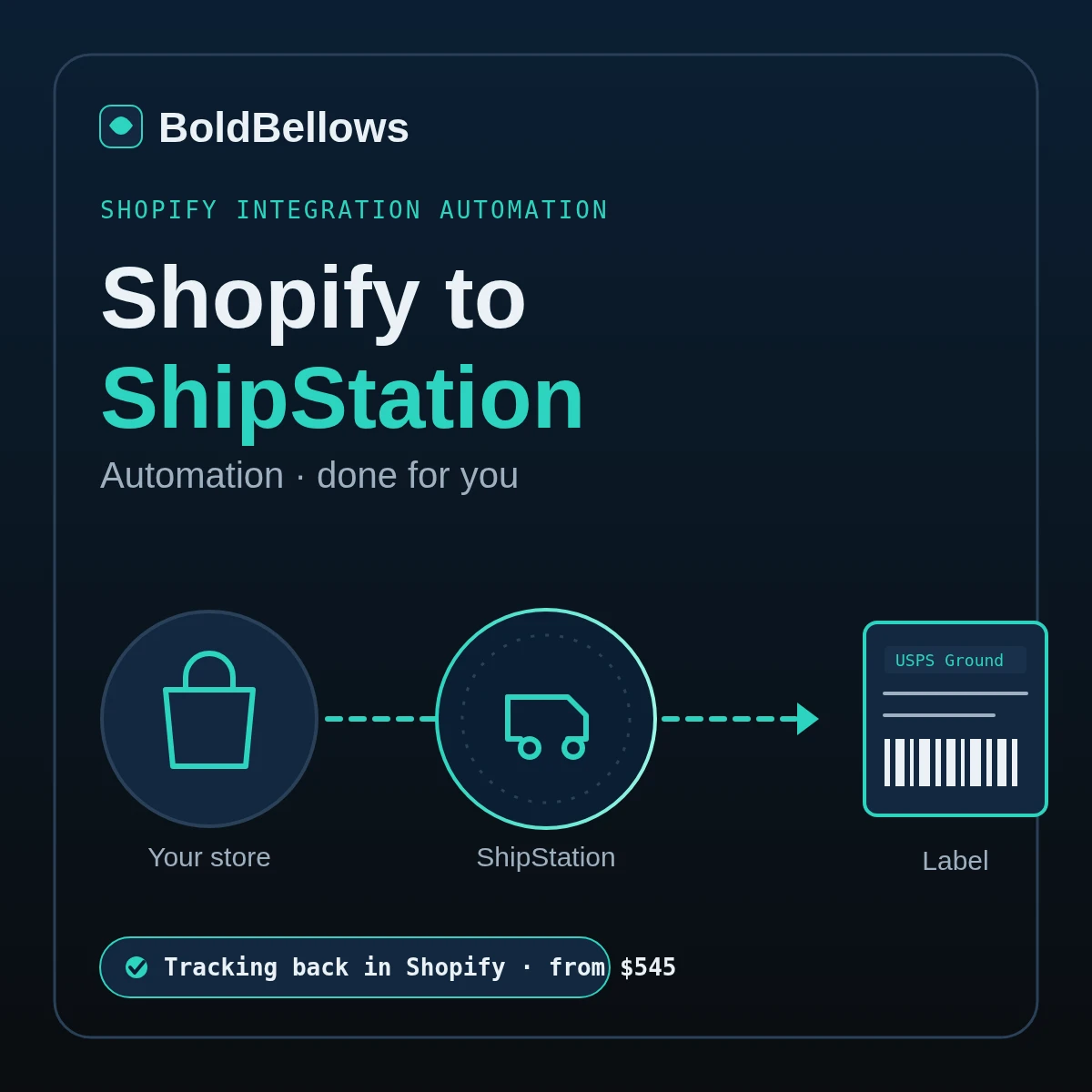
We wire Shopify to ShipStation for you as one clean fulfilment pipeline. Paid orders drop into your ShipStation queue with the right store and tags, automation rules pick the carrier and service, labels print in batches, and the tracking number plus a fulfilled status flow back to Shopify so the buyer is notified. No duplicate orders, no label bought one at a time, and every rule tested with real orders before you ship through it.
From $545, a single payment. Nothing to us each month.
01 · the packing-bench problem
Open the order, weigh the box, guess the service, buy the label, paste the tracking back into Shopify, hope it did not import twice. Done a hundred times a day it eats the afternoon and lets mistakes through. This is what a proper shopify shipstation integration takes off the packer's hands.
02 · how it works
Orders flow one way into ShipStation, and only the tracking and fulfilment status flow back. We build and test the whole loop, so you open the queue and ship, without touching a rule or pasting a tracking number by hand.
You add your store as a ShipStation order source and share the shipping settings with us. A few minutes, with a written step-by-step guide, and we ask only for the access the job needs.
To sync Shopify orders to ShipStation cleanly we set the import, write the carrier and service rules, fix the label format and merge edited orders so nothing lands twice.
Before you rely on it we ship real orders through the loop and confirm each Shopify shipstation tracking number and fulfilled status lands on the right order.
03 · what runs in the queue
Not a raw dump of orders to sort by hand. The queue arrives shaped for the bench, with the carrier already chosen, the label ready to batch, and the write-back proven, feeding the rules map and health view below.
A label queue with the carrier already set by rule, one order printing, and a single button to print the whole batch. The moment a label is bought, that Shopify order is marked fulfilled with its tracking.
Paid orders pulled in with items, weight and address, so nothing is keyed by hand. Your core shopify shipstation order sync.
Ship Desk +Weight, destination and order tag decide the carrier and service, so the bench stops choosing by hand.
Rules Engine +A full pick run prints in one pass. Real shopify shipstation label automation, not one label at a time.
Rules Engine +Compare live rates and auto-pick the cheapest or fastest across your carriers, box sizes set first.
Fulfilment FloorEach shopify shipstation tracking number and a fulfilled status posts back, so the buyer is notified by Shopify.
Ship Desk +A branded tracking page and a self-service returns portal, so a buyer starts a return without a ticket.
Fulfilment FloorA view that flags orders stuck before they ship, and a re-check that catches anything ShipStation missed.
Fulfilment FloorCarrier and service by weight, destination and order tag, in the order your automation rules should fire.
Rate-shopping rules compare your carriers and pick a shopify shipstation multi-carrier winner per parcel.
Box sizes and package presets apply first, so weights and dimensions are right before a label is bought.
An edited order updates the one in the queue, and a re-check catches any order that stalled before shipping.
04 · who ships through it
Growing stores, busy warehouses and third-party packers who ship real volume out of Shopify through ShipStation and want the carrier chosen and the tracking filed for them.
"We pick the carrier and buy each label by hand."
Rules choose the carrier and a batch prints in one pass.
"Every order is unfulfilled until I remember to update it."
Tracking and a fulfilled status post back on their own.
"We overpay because nobody compares the rate."
Rate-shopping rules pick the cheapest option per parcel.
"Two stores and two warehouses, one messy queue."
Each store and site routed to the right queue and stock.
05 · compare the routes
Every route here can shift an order across. The gap shows at the bench, when the carrier has to be chosen, the label bought in bulk, and the tracking has to find its way back to the buyer.
| At the bench | By hand | Native connection | Zapier or Make | BoldBellows |
|---|---|---|---|---|
| Carrier chosen for you | Picked per order | Rules exist, you build them | Not its job | By weight, destination and tag |
| Labels print in a batch | One at a time | Yes, once set up | No | A full run in one pass |
| No duplicate orders | Edits copy the order | Edits and split ship cause dupes | A row per event | Edited orders merge |
| Rate shopping across carriers | Guesswork | Rate Shopper, if you wire it | No | Cheapest or fastest by rule |
| Cost as volume climbs | Free, though the bench slows | You build and maintain it | Per-task, climbs with orders | One-off, from $545 |
| Who owns it | You | In your ShipStation | Lives in their account | You, in your own accounts |
A loose setup can be handed keys to change more than it should.
We only ever write a fulfilled status and tracking back, never products or prices.
A parcel shipped from a second site can send back just one tracking number.
We map each parcel so every tracking number reaches the Shopify order.
By default Shopify lets an app read only a store's newest 60 days.
We request the wider order scope and bring the approved backlog across.
Shipping is one piece of the stack. Pair it with a live Shopify to Google Sheets automation for sales reporting, a Shopify to Slack automation to ping the ops channel when a big order lands, and a Shopify to QuickBooks automation to reconcile the payouts behind them. A shopify to shipstation zapier build, by comparison, moves an order across on its own but seldom touches the label, the rate or the return.
Your price sits right on this page
Pick Ship Desk, Rules Engine or Fulfilment Floor, answer a few questions about how you ship, and both the total and the ship-live date shift with every pick. From $545, one payment.
Pick a package, answer a few questions about how you ship, and your price and go-live date update as you go. Nothing is added unless you switch it on.
06 · process & go-live
It runs in six steps, and most of them are ours. On your side it is a short brief, a few minutes wiring the accounts, and a look at live parcels going out before we step away.
One short online form. Share your carriers, how the service gets chosen today, and what a buyer should see once a parcel is on its way.
You add your store as an order source and give us the shipping settings and your carrier logins. A few minutes, walked through in writing.
We set the import, write the carrier and service rules, fix the label format and the packing slips, and wire the tracking write-back.
We push real orders through end to end, print the labels, and confirm each tracking number and fulfilled status lands on the right Shopify order.
Ship a live day through the queue and flag any tweaks. Your package comes with two to four change rounds, depending which one you pick.
A premium handover PDF that spells out every rule and which order it sends where. After that, the pipeline keeps running in your own ShipStation.
We count it in working days once your accounts connect. You can pay to bring the go-live date forward in the price builder.
Enough to add the store as a ShipStation order source, or a staff seat set aside for us.
Your USPS, UPS, FedEx or DHL logins, or let us connect fresh ones so your own rates come through.
A short note on which carrier and service each kind of order should take today.
Your printer type and any packing-slip layout your packers already work from.
07 · security and ownership
The build needs to mark orders shipped, so it does have write access, but only to fulfilment. It sets a tracking number and a fulfilled status; it cannot touch a product, a price or a customer record.
The write-back sets a tracking number and marks the order shipped. It cannot edit products, prices or catalogue.
Labels need a name and a shipping address. Anything the parcel does not need can be left out of ShipStation.
Labels are bought on your own carrier accounts, so the negotiated rates and the shipping spend stay yours.
We ask only for the access that keeps the queue moving, and you can pull it the moment a build is signed off.
Orders pass from Shopify into your ShipStation and the tracking back again. No copy of them sits on our servers.
The rules and label formats live in your own ShipStation. You pay us nothing each month to keep them running.
08 · in their words
Verified reviews from store owners who run BoldBellows automations across fulfilment, operations, support and sales.
AI E-commerce Listings Automation
BoldBellows automated our product listings. The AI writes descriptions, organizes photos and publishes listings across several marketplaces.
It even answers customer questions instantly. Our store looks more professional and sales have noticeably increased.
AI Automation Partner
BoldBellows is hands-down the best AI automation partner we’ve worked with. Their systems are fast, reliable and built around how our business actually works.
Every automation they’ve delivered, from customer service to content, runs flawlessly. We’ve saved time, cut costs and grown faster than we expected.
AI Chatbot & Customer Support
BoldBellows built an AI support chatbot for our online boutique, and it has changed how we run the business. We used to have two full-time staff answering the same questions all day. Now the AI handles order tracking, product recommendations and even refund requests on its own.
What surprised me most is how natural it sounds. Customers compliment the ‘agent’ without realizing it’s AI. Our support workload dropped by 75% and customer satisfaction went up dramatically.
AI Workflow Automation for Agencies
Running a digital agency with many clients was overwhelming. BoldBellows built one automation dashboard that tracks tasks, sends updates and creates client reports automatically.
Clients love the transparency and we love the time we get back. Productivity is up, and project delays have dropped to almost zero.
AI CRM Automation
Our CRM was barely used because updating it by hand was tedious. BoldBellows automated data entry, tagging, segmentation and follow-ups.
Now the CRM is always up to date and our campaigns are far more accurate. It improved our whole sales pipeline.
AI HR & Recruitment Automation
Our HR team was drowning in applications. BoldBellows automated screening, skills-based filtering and interview scheduling.
It saves us hours every week and means we only interview qualified people. Hiring is now faster, better organized and more professional.
AI Data Entry & Reporting Automation
We used to spend hours collecting data and building weekly reports by hand. BoldBellows automated all of it.
The reports are clean, visual and easy to read, and our managers rely on them for quick decisions. Human error is gone and our numbers are more accurate across the board.
AI Lead Qualification & Sales Automation
Our sales team wasted hours chasing cold leads. BoldBellows built an AI lead-scoring system that reads behavior, email engagement and buying signals.
It filters out weak leads and sends personalized follow-ups automatically, so our team only talks to people who are ready to buy. Conversions rose 40% in the first month. It paid for itself straight away.
AI Customer Journey Automation
We wanted a smoother path from first contact to purchase. BoldBellows built an AI system that guides each customer there automatically.
It sends personalized messages, recommends products and follows up at just the right moment. Customer retention has improved dramatically.
AI Content & Social Media Automation
Our marketing agency couldn’t keep up with content. BoldBellows set up an AI content engine that writes blog posts and captions and even designs our social media creatives.
It spots trends and suggests topics for us, so we stay ahead of competitors. We now produce three times the content with the same team, and engagement has soared. They didn’t just automate our workflow, they lifted our whole brand.
AI Video & Voice Automation
We publish product videos every week, and BoldBellows introduced us to AI video automation. The system writes the script, voices it and produces the finished video in minutes.
The quality is remarkable: professional voiceovers, clean visuals and smooth editing. Production time went from three days to under 30 minutes, and we scaled our video marketing without adding cost.
AI Email & Smart Inbox Management
Our inbox used to be chaos. BoldBellows built an AI email system that sorts messages, drafts replies and flags anything urgent.
It learns how we write and gets better every week. We reply faster and no longer miss important messages. It feels like having a personal assistant working around the clock.
AI Booking & Scheduling Automation
Our coaching business needed a better way to schedule. BoldBellows automated all of it: bookings, reminders, cancellations and follow-ups.
No-shows fell by 60% and clients enjoy how smooth it is. It feels personal, not robotic. One of the best upgrades we’ve made.
AI Translation & Localisation
When we expanded abroad we needed fast, accurate translations. BoldBellows built an AI translation system that turns our content into several languages instantly.
The translations read naturally and suit each culture. We now serve customers in five new countries without hiring translators. BoldBellows helped us go global.
AI Accounting & Invoice Automation
BoldBellows automated our whole invoicing process: creating invoices, sending reminders and tracking payments.
Late payments dropped sharply, and our accounting team finally has time for strategy instead of repetitive admin. Worth every penny.
AI Document & Contract Automation
Onboarding was slow because we wrote every contract by hand. BoldBellows automated the lot: contracts, welcome emails and client setup.
What took 48 hours now takes under 10 minutes, and clients regularly tell us how professional it feels.
AI Social Comment & DM Automation
We get thousands of comments and messages every week. BoldBellows built an AI system that replies instantly, filters spam and surfaces the important ones.
Engagement is up and our page looks active around the clock. It’s like having a full social media team that never stops.
AI Voice Assistant
BoldBellows built a custom AI voice assistant for our customer hotline. It answers questions, books appointments and handles simple requests.
Customers love how fast it is, and our call-centre workload dropped dramatically. One of the smartest upgrades we’ve made.
BoldBellows is a done-for-you automation studio for Shopify stores. Your shipping pipeline is built, tested and documented by the same small team, start to finish.
09 · your questions
The questions warehouse and store owners raise before we begin. Whatever is missing, put it in the quote request.
The native connection imports orders and can send tracking back, but you still write every automation rule, wire up rate shopping, fix the label and packing-slip formats, and untangle the duplicate and split-shipment cases yourself. We put all of it together around how your floor packs, ship real orders through to prove the write-back, and hand it over. You pay a single time rather than keeping it running yourself.
Yes. The moment a label is bought, ShipStation marks that Shopify order fulfilled and attaches the carrier and shopify shipstation tracking number, so Shopify sends the buyer its shipping notification. We only ever write fulfilment back to your store, never products or prices.
Yes, and it is the core of the build. We write automation rules so a light parcel takes an economy service, a heavy one steps up, international routes with the right service and customs, and a Shopify order tag can send priority, gift or subscription orders down their own path. This shopify shipstation shipping automation is what stops the bench choosing by hand.
Duplicates usually appear when an order is edited in Shopify and re-imported, or when a single order ships from more than one location. We set the import so an edited order updates the one already in the queue, and we map split shipments so each parcel's tracking still reaches the original Shopify order rather than spawning a copy.
Yes, on the Fulfilment Floor package or as an extra. Rate-shopping rules compare your carriers on every parcel and pick the cheapest or fastest, with a box-size rule running first so the weight and dimensions are right. That is where shopify shipstation multi-carrier really pays for itself.
Yes. By default an app reads only the freshest 60 days from a store; a wider window needs Shopify's own approval, which we apply for on your behalf. You can start with just the open orders waiting to ship, pull the recent two months, or load all the history Shopify signs off, in batches.
Shopify's own shipping email already carries the tracking to the buyer once the order is fulfilled. On top of that we can add a branded tracking page and a self-service returns portal, so a shopper starts a return and prints a label without a ticket. Every buyer who orders is a shopify customers shipstation record on the parcel; the marketing side of those buyers is a job for a tool like email or CRM, not the shipping queue.
A shopify to shipstation zapier flow can move an order across, but it works order by order, charges per task as your volume rises, and does not choose a carrier, buy a batch of labels or run rate shopping. We assemble the rules, the batch printing and the write-back once, prove them on real orders, and leave you owning it with no monthly fee to us.
Tomorrow's batch could print itself
Stop choosing carriers and buying labels one by one. We build your Shopify to ShipStation pipeline, let the rules pick the carrier, batch the labels and write tracking back to Shopify, then hand it over. One payment from $545, and the pipeline belongs to you.
Got several brands, a 3PL or a warehouse system in the mix? Send a quote request and we will scope the build together. Related searches this service covers include shopify shipstation fulfillment.